
Game mode
Go to OPTIONS > Game mode. These settings tell the HUD how many players there are per team and how many rounds the match has. The HUD uses them for its layout, the score and the halftime.
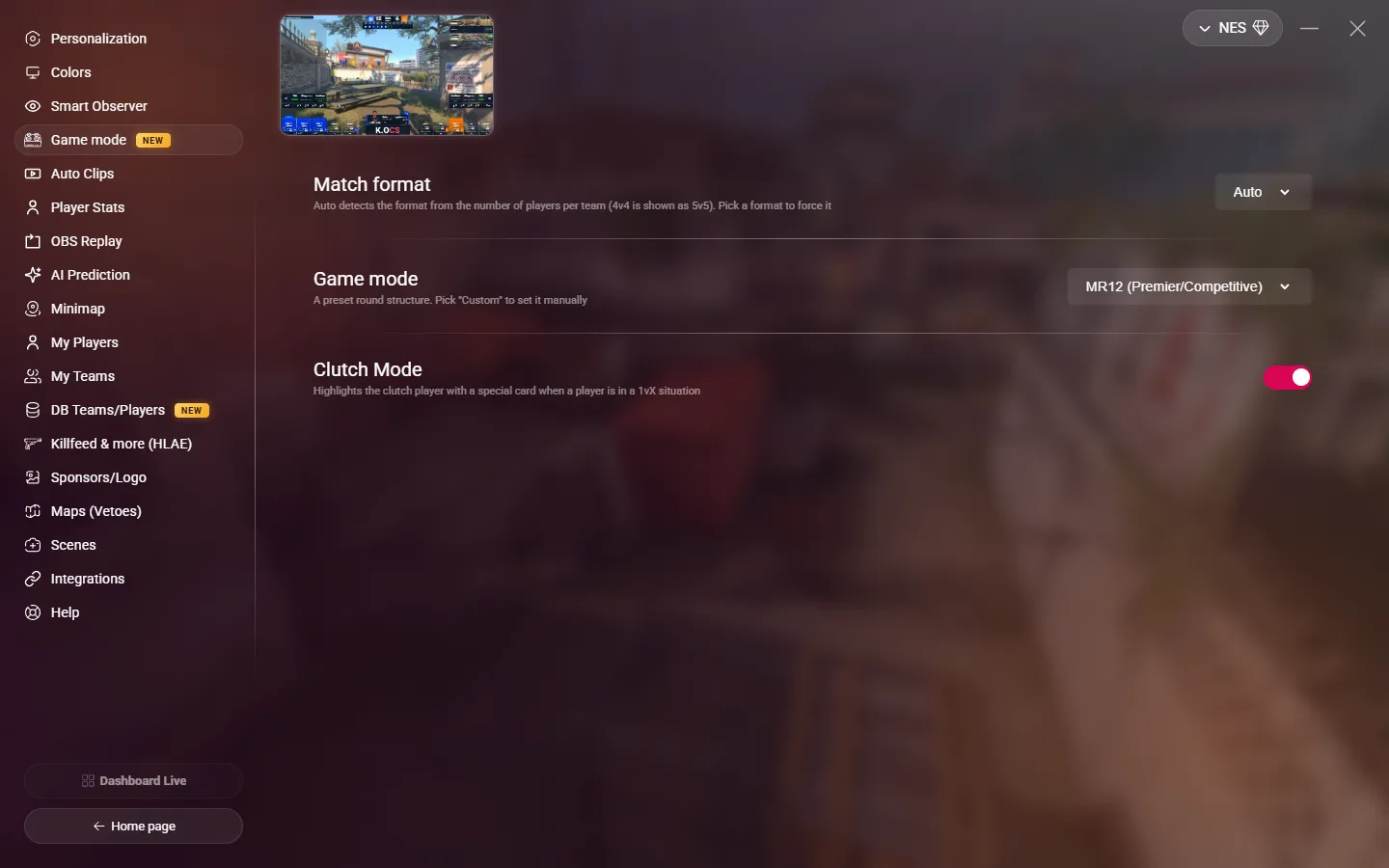
Match format
| Value | Use |
|---|---|
| Auto (default) | MyHUD counts the players of the biggest team, without the coaches. A 4v4 shows as a 5v5. |
| 1v1, 2v2, 3v3, 5v5 | Forces the format. Use it when players join or leave during the match. |
In Auto, a new team size must stay for 2 seconds before the HUD changes, and the layout never shrinks in the middle of a round.
If you force a format smaller than the number of players, the HUD keeps the players with the lowest observer slots, and the coaches last.
Game mode
The game mode is the round structure of the match:
| Mode | Rounds per half | Rounds to win | Halftime |
|---|---|---|---|
| MR12 (Premier/Competitive) | 12 | 13 | Yes |
| MR15 | 15 | 16 | Yes |
| Wingman | 8 | 9 | Yes |
| Rush | — | 8 | No |
| Custom | You choose | You choose | You choose |
With Custom, three more settings appear:
| Setting | Description |
|---|---|
| No halftime | For modes where the teams never swap sides. |
| Rounds per half | Leave it empty for auto: the default of the format, corrected at the first halftime. |
| Rounds to win | Leave it empty for auto: rounds per half + 1. |
Clutch Mode
When a player is alone against one or more players, the HUD highlights them with a special card. The situation must last 2 seconds before the card shows. Default: off.