
Killfeed and HLAE
Go to OPTIONS > Killfeed & more (HLAE). With HLAE, MyHUD can change things inside the game itself: a killfeed in the colors of your HUD, a glow around the players, colored grenade trails and smokes.
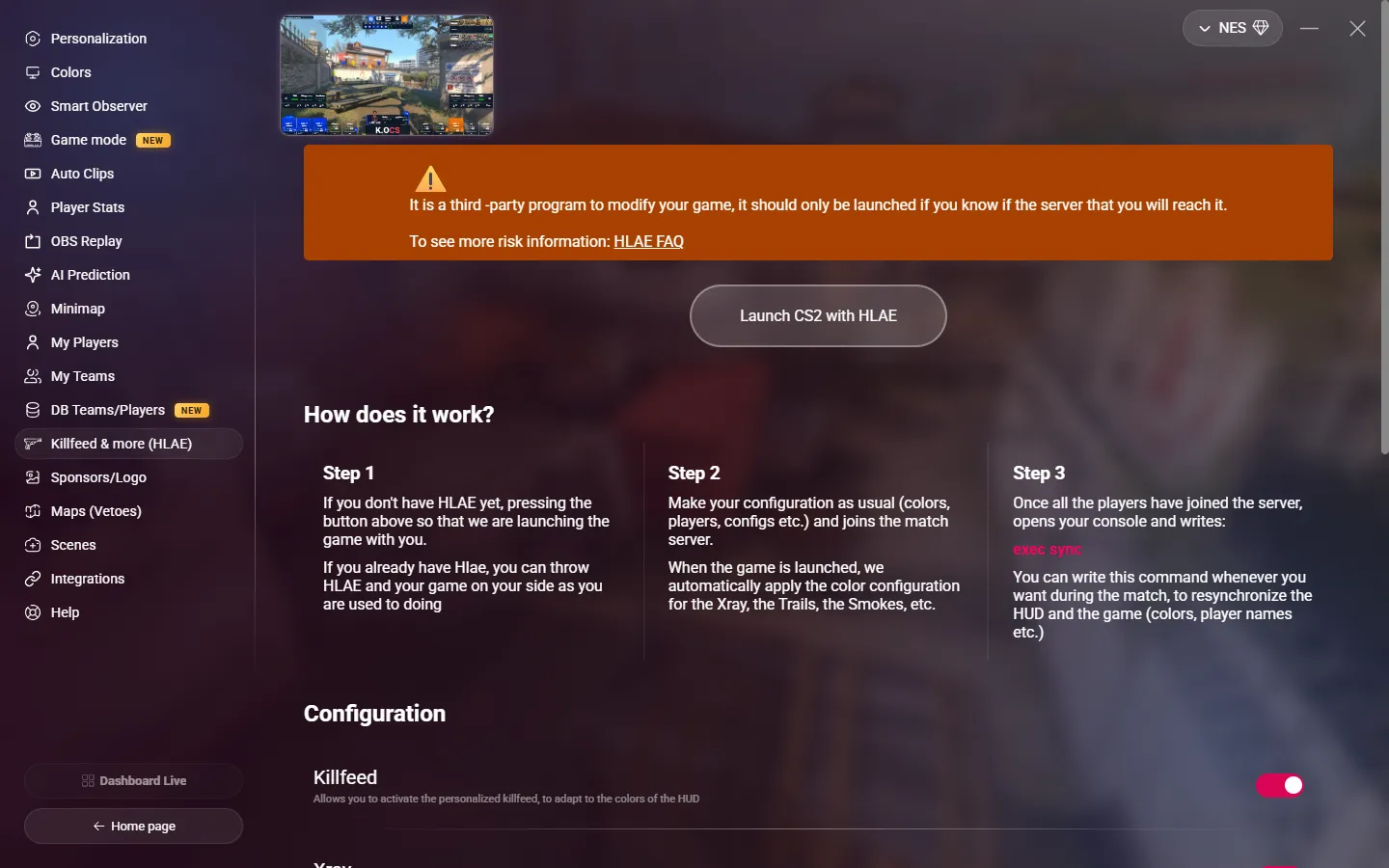
DANGER
HLAE is a third-party program that modifies the game. Use it only on servers where you know it is allowed, and preferably with a second Steam account. Read the HLAE FAQ about the risks.
Launch CS2 with HLAE
Click Launch CS2 with HLAE. MyHUD includes HLAE and starts CS2 with it. MyHUD must find CS2 in your Steam library.
If you already use HLAE, you can also start it and the game yourself, as usual.
When a new version of HLAE is available, the button becomes Update HLAE.
Options
Turn on the effects that you want under Configuration. They are all off by default.
| Option | Effect in the game |
|---|---|
| Killfeed | The killfeed takes the colors of your HUD. |
| Xray | A glow around the players, in the team colors. |
| Trails | The trails of the grenades, in the team colors. |
| Above head information | The name and HP of each player, above their head. |
| Smokes | The smokes, in the team colors. |
Sync names and colors
Configure MyHUD as usual (colors, players…) and join the server.
When all the players are on the server, open the CS2 console and type:
exec sync
Type it again at any time during the match to sync the names and colors of the game with the HUD.