
Sponsors and logos
Go to OPTIONS > Sponsors/Logo. The HUD shows your sponsors in a carousel at the bottom center of the screen, between the two teams. The logo changes every 8 seconds.
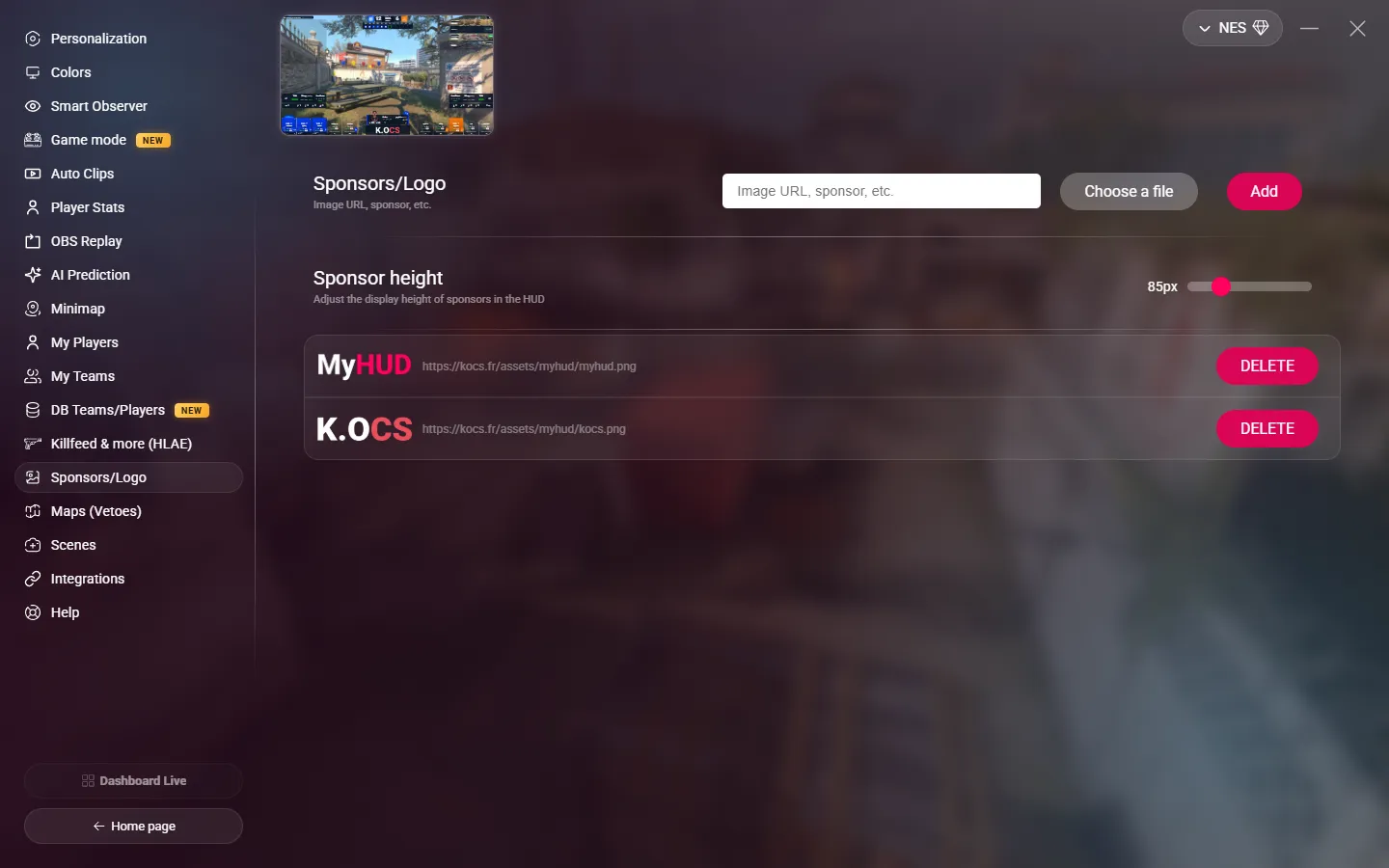
Add a sponsor
- Enter the link of the image in the field, or click Choose a file to use a file on your PC. You can also drop the file on the page.
- Click Add.
Use images with a transparent background (PNG or WebP): they blend better with the HUD.
To remove a sponsor, click DELETE next to it.
Sponsor height
Sponsor height sets the height of the logos in the HUD, from 50 to 200 px.
On the scenes
The scenes use the same list of sponsors:
- The Sponsors scene shows all of them in full screen.
- On the other scenes, you can add a small sponsor carousel. Turn it on in OPTIONS > Scenes.