
Minimap
Go to OPTIONS > Minimap. The MyHUD minimap shows the position of the players, in the top-left corner of the HUD.
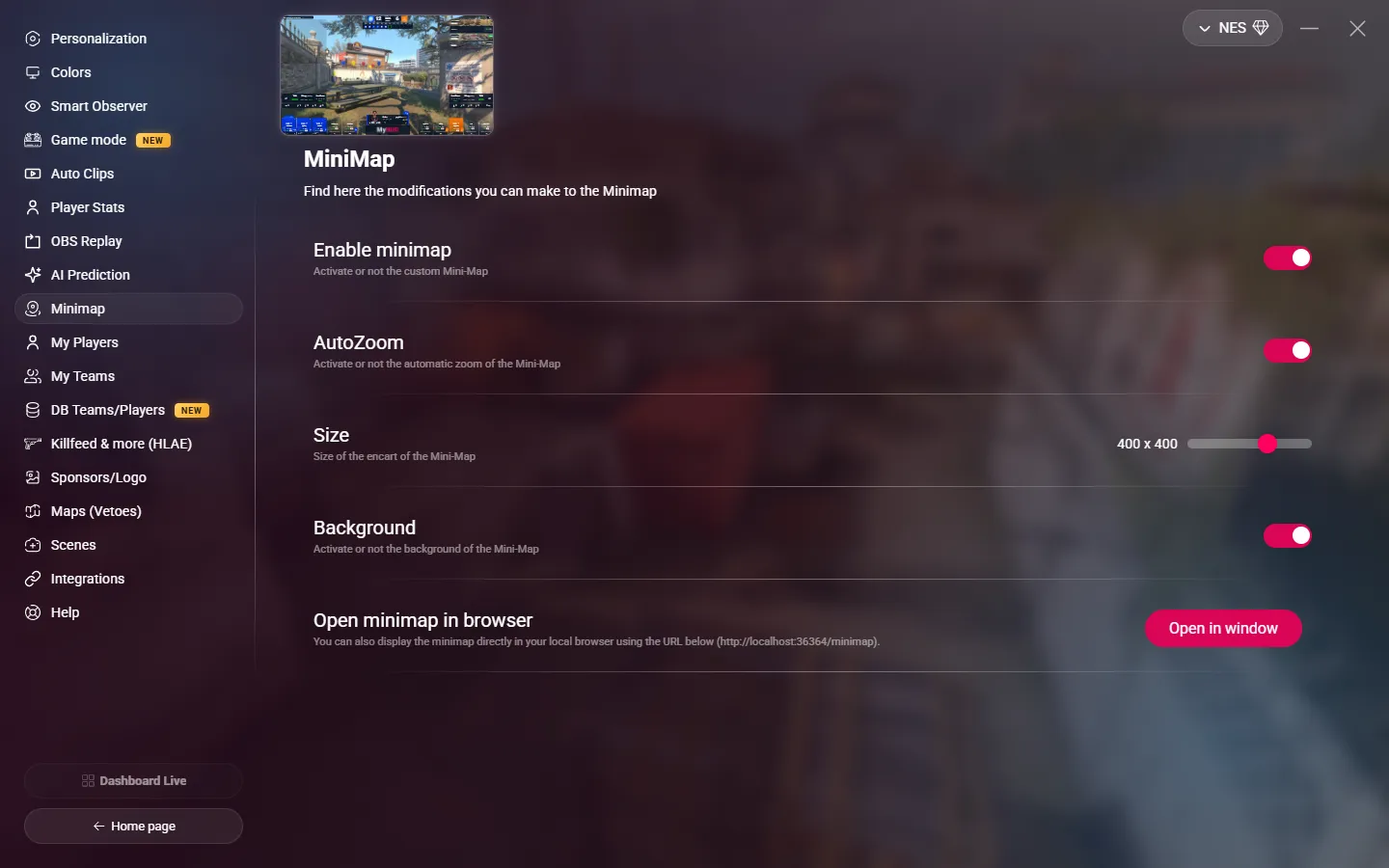
| Setting | What it does |
|---|---|
| Enable minimap | Shows the MyHUD minimap. When off, the other settings are not available. |
| AutoZoom | Zooms the minimap on the area where the players are. |
| Size | The size of the minimap, from 300 × 300 to 450 × 450 px. Default: 400 × 400. |
| Background | Adds a dark background behind the minimap. |
Minimap as an OBS source
You can also show the minimap on its own, for example in a separate part of your stream layout. Add a Browser source in OBS with this URL:
http://localhost:36364/minimapMyHUD must be open. This minimap uses the AutoZoom setting. Its size is the size of the browser source.
The Open in window button opens this minimap in a separate window of MyHUD.